Tilesets
A tileset is a PNG whose size is a multiple of 8, cut into 8x8 tiles, with a collision class painted on each tile.
Create one
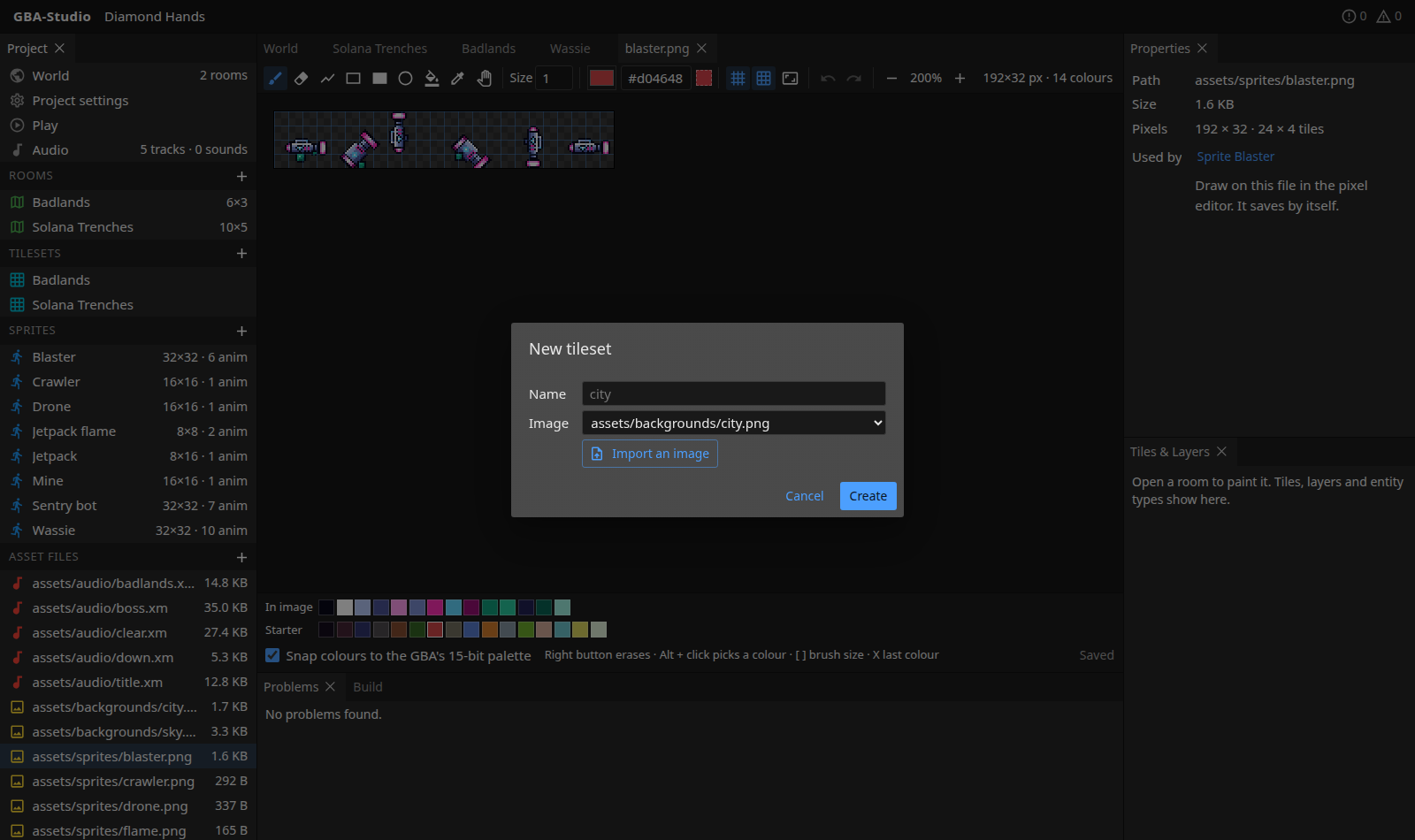
Press + beside Tilesets, name it, and choose a PNG already in the folder or Import an image.
Paint collision
- Open the tileset.
- Choose a class in Paint collision (Solid, One-way platform, slopes, Hazard and so on).
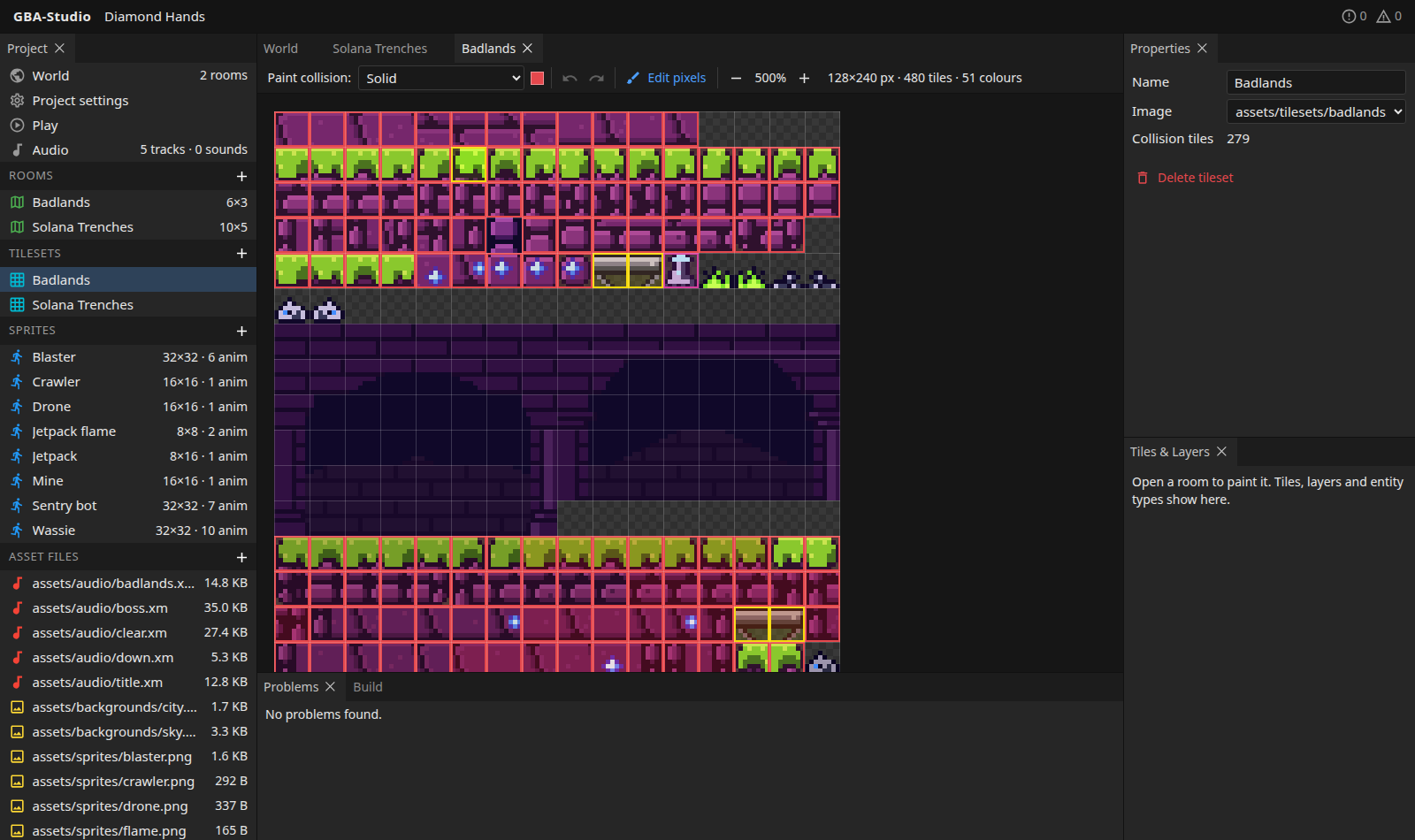
- Click or drag across tiles to give them that class. Tiles are outlined in the class colour.
The top bar shows the image size, the tile count and the number of distinct GBA colours (colours are reduced to 5 bits a channel, as the hardware does). Properties shows the name, image and number of tiles with a class. Edit pixels opens the image in the pixel editor.
Limits
- At most 1024 tiles, and 15 colours per tile.
- A tileset can use up to 16 palettes, one per tile.
The build helper reports anything over these limits. Collision classes themselves are defined in studio/project.json (format); they are not editable in the interface yet.