Pixel editor
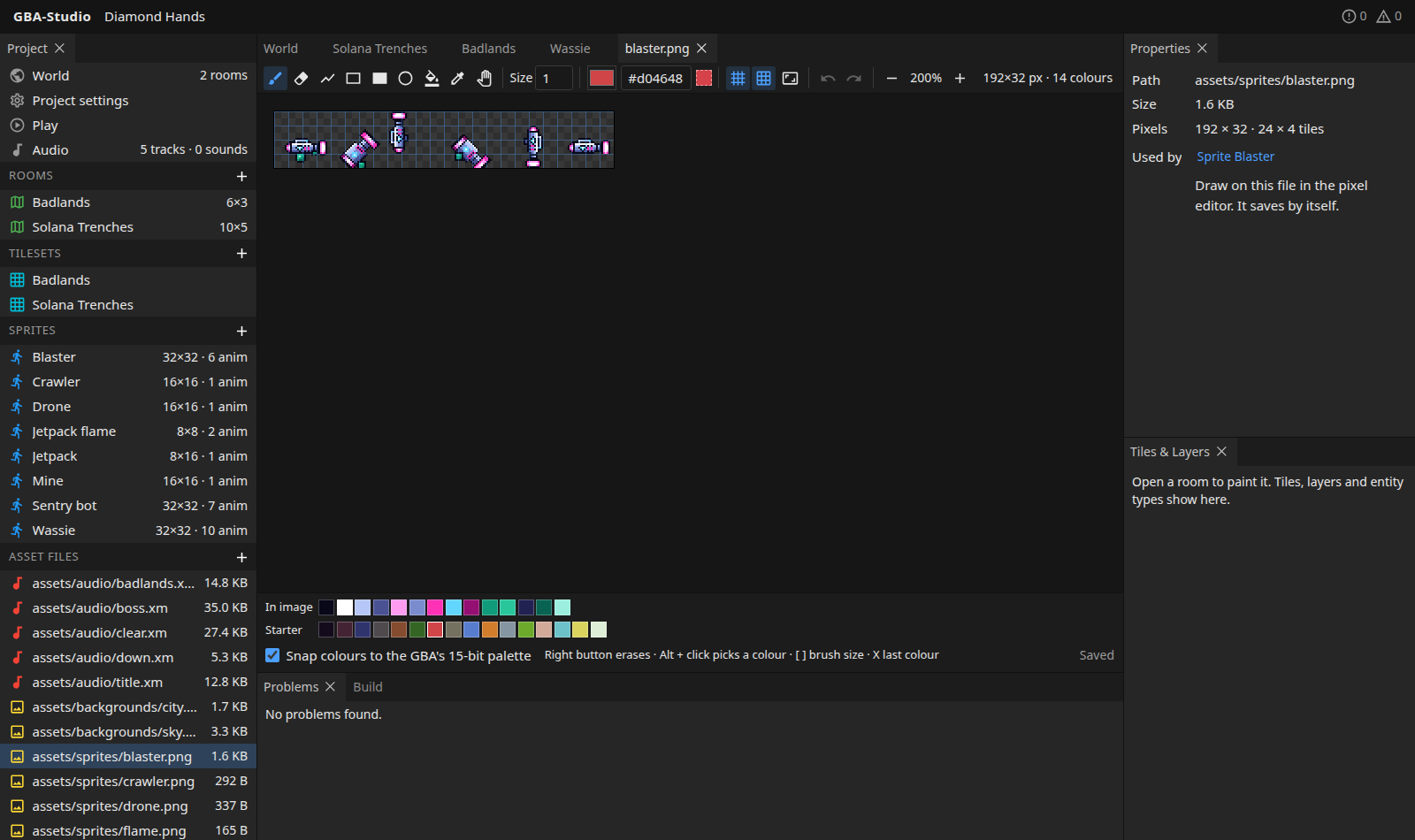
Open any PNG in the Asset files list, or press Edit pixels in a tileset or sprite, to draw on it in the studio.
Make a new image
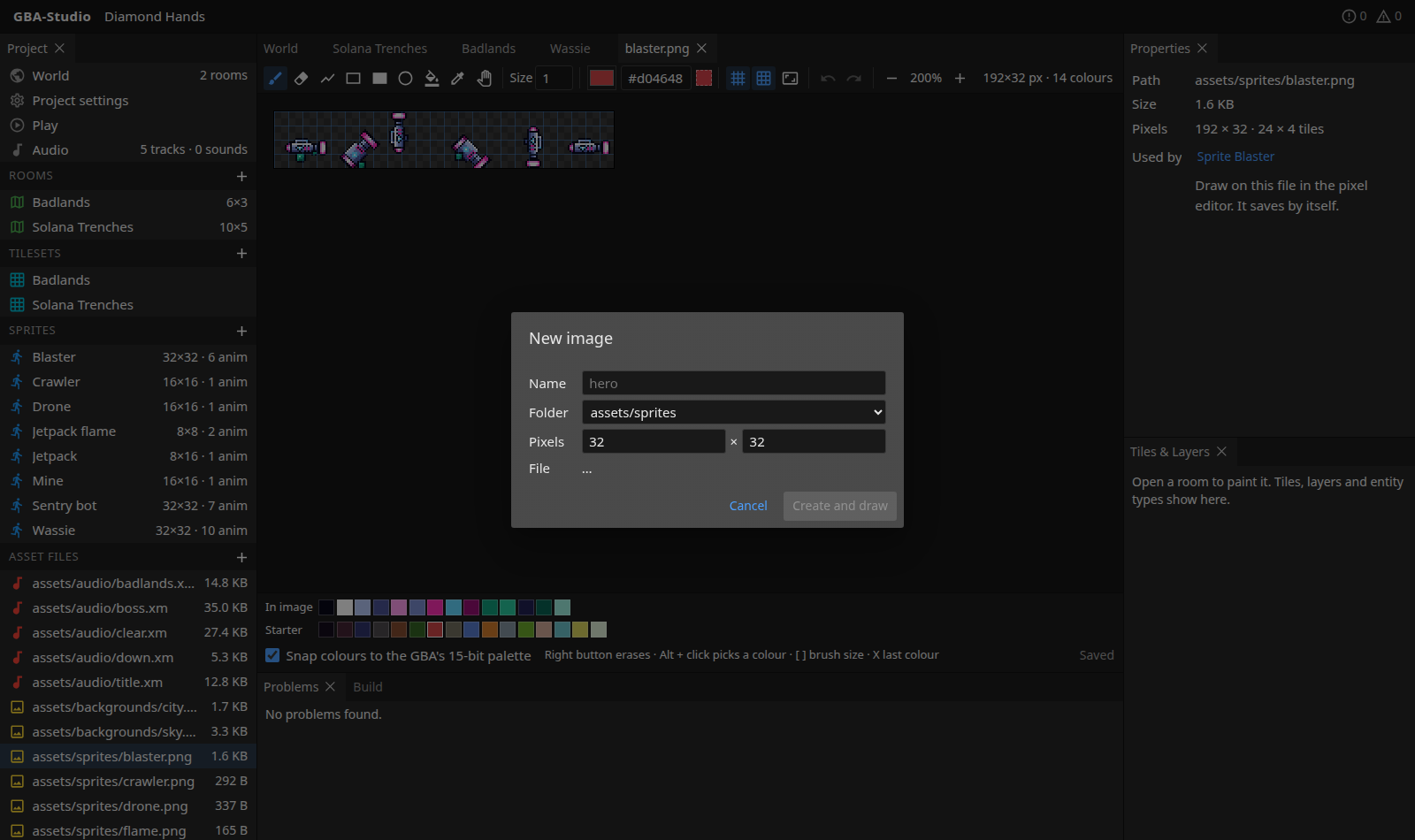
The + beside Asset files makes a new blank image of any size in assets/sprites/, assets/tilesets/ or assets/backgrounds/. Give it a name, choose the folder and the size in pixels, and press Create and draw. The dialog shows the file it will write.
Tools
Pencil, eraser, line, rectangle, filled rectangle, ellipse, fill, colour picker and pan, with a brush Size of 1 to 16 pixels. The right mouse button erases with any drawing tool.
Colours
- A colour picker and hex field, with a swatch of the colour in use.
- In image: the colours already in the picture.
- Recent colours you have used.
- Starter: a 16-colour starter palette.
- Snap colours to the GBA's 15-bit palette (on by default) rounds each channel to 5 bits, so what you paint is what the console shows. The number of distinct colours is shown in the top bar as you draw.
Grids and view
Toggle a pixel grid and an 8x8 tile grid. The mouse position is shown in pixels and tiles. Zoom with the buttons. You can resize the image, keeping its top-left corner.
Undo and saving
Undo and redo (Ctrl+Z, Ctrl+Shift+Z) keep up to 100 steps. The PNG is written back a moment after each stroke ("Saved" shows at the bottom), so tilesets, sprites and rooms that use it update at once. A file changed by another program while nothing is unsaved here is reloaded, and the old picture becomes an undo step.
The Properties panel shows the path, size, pixel size and tile count, and which tileset or sprite uses the file.
Shortcuts
| Key | Action |
|---|---|
B / E | Pencil / eraser |
L, R, U, O | Line, rectangle, filled rectangle, ellipse |
G | Fill |
I, or Alt + click | Pick a colour from the image |
H, or hold Space | Pan |
[ / ] | Smaller / bigger brush |
X | Back to the previous colour |
| Right mouse button | Erase with any drawing tool |