Audio
Open Audio in the Project panel.
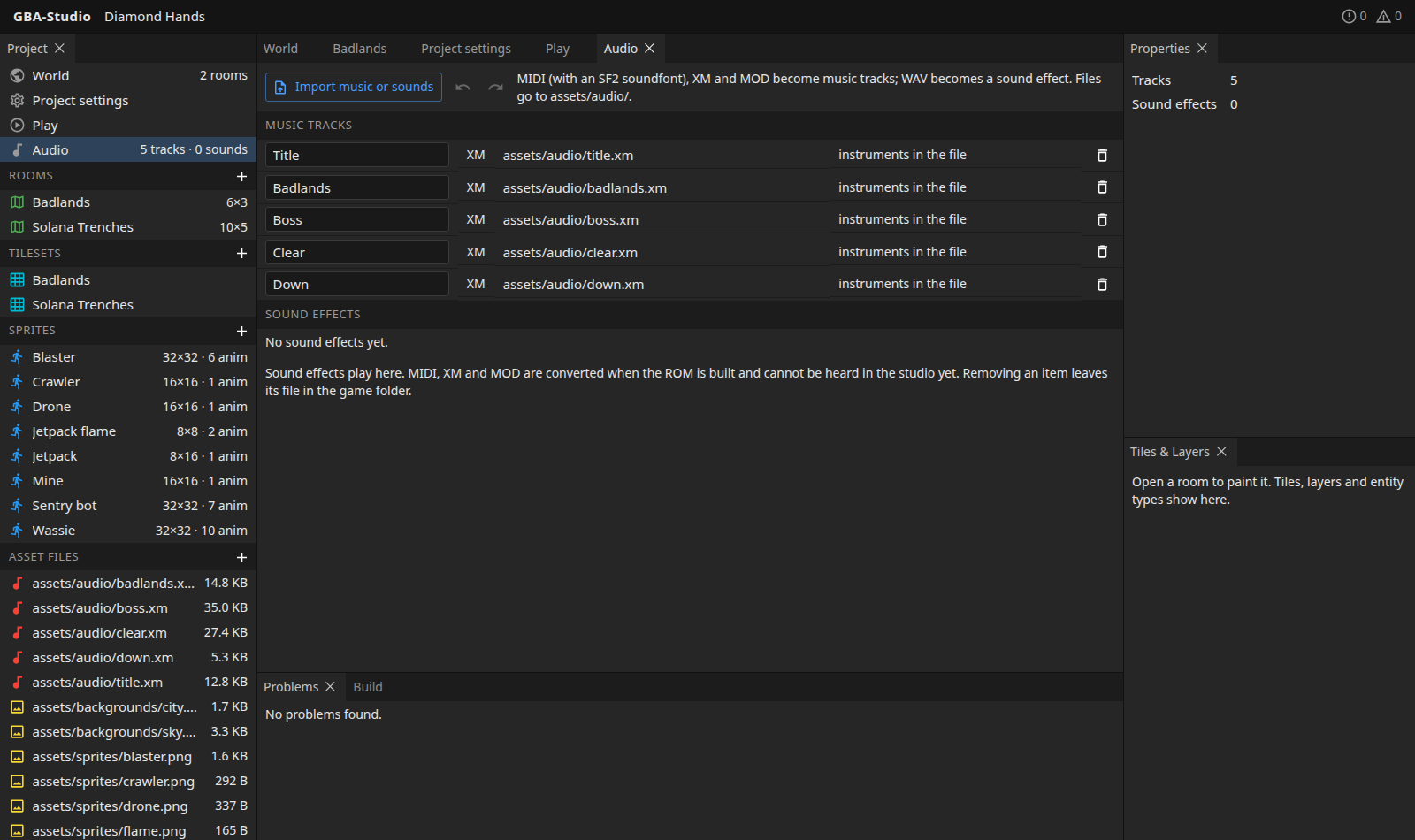
Import
Press Import music or sounds. Files go to assets/audio/.
| Format | Becomes |
|---|---|
| XM, MOD (tracker music) | A music track |
| MIDI with an SF2 soundfont | A music track (agb needs a soundfont to turn notes into sound) |
| WAV | A sound effect |
Manage
- Name tracks and effects.
- Remove them from the project with the bin; the file stays on disk.
- For a MIDI track, pick which soundfont it uses. XM and MOD show "instruments in the file".
- Give a room a music track in the room's Properties.
Listening
Sound effects play in the studio. Music formats are converted when the ROM is built, so you hear them in the Play panel, not in the Audio list. There is no waveform or ROM-size estimate for audio yet.
In the game
The build helper generates audio::TRACKS, SFX and index constants; see Making a game with it.