Build and Play
Build panel
The Build panel sits beside Problems below the editor.
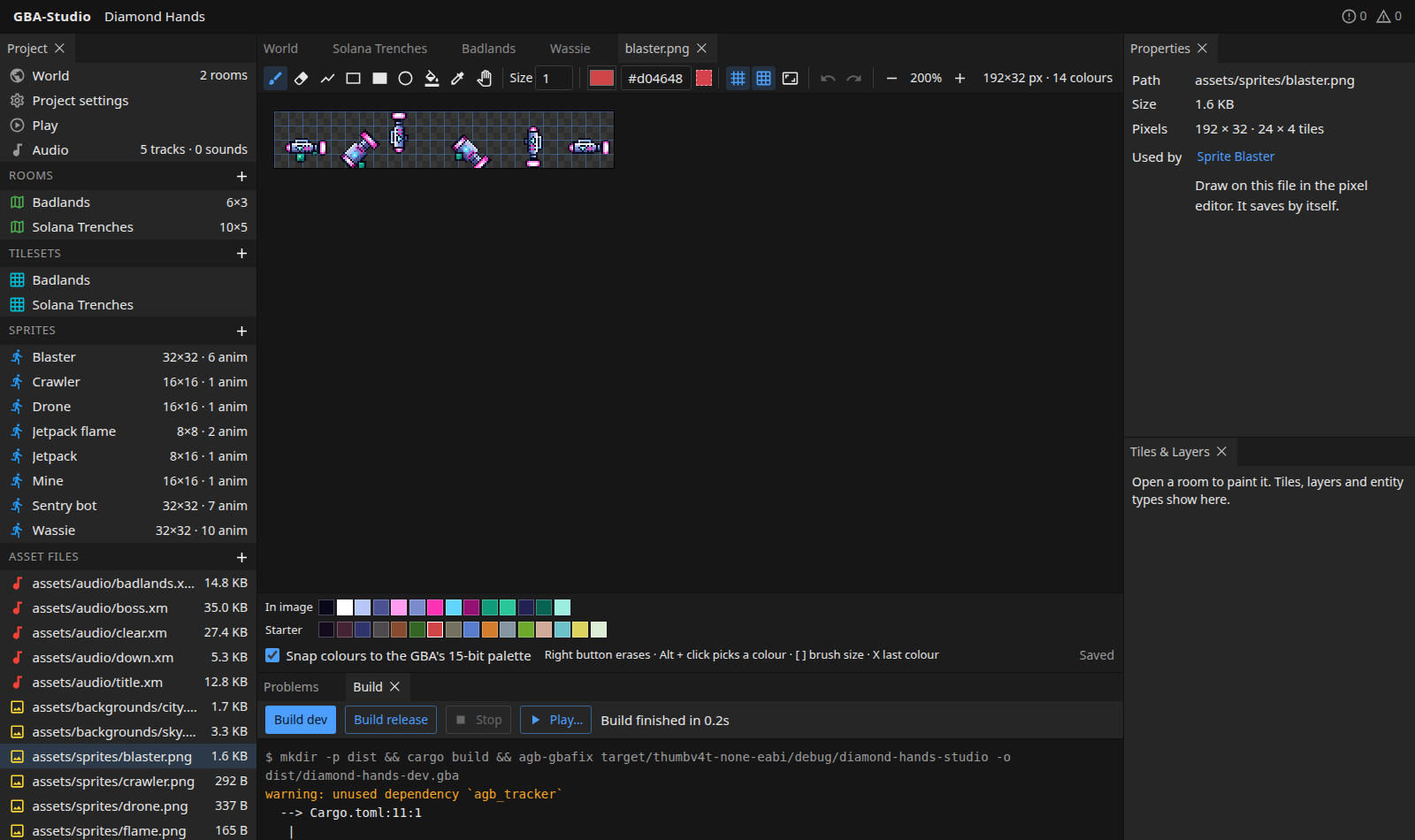
| Button | What it does |
|---|---|
| Build dev | Runs the dev build command from Project settings. |
| Build release | Runs the release build command. |
| Stop | Stops a running build. |
| Play... | Opens the Play panel on the built ROM. |
Output is streamed live. A failed build is marked and its exit code shown; a successful one says how long it took. The build helper reports every hardware problem in one run, in terms of your project: a tile with more than 15 colours, tiles needing more than 16 palettes, a tileset over 1024 tiles, a sprite sheet with too many colours, an animation using a frame the sheet does not have, or backgrounds that with the rooms' tiles need more than 4 layers, 16 palettes or the 1024 tiles video memory holds.
The same builds can be run from the command line; see Command line and MCP.
Play panel
Open Play in the Project panel. It runs the built ROM on the Pecten emulator core in the browser at the console's frame rate.
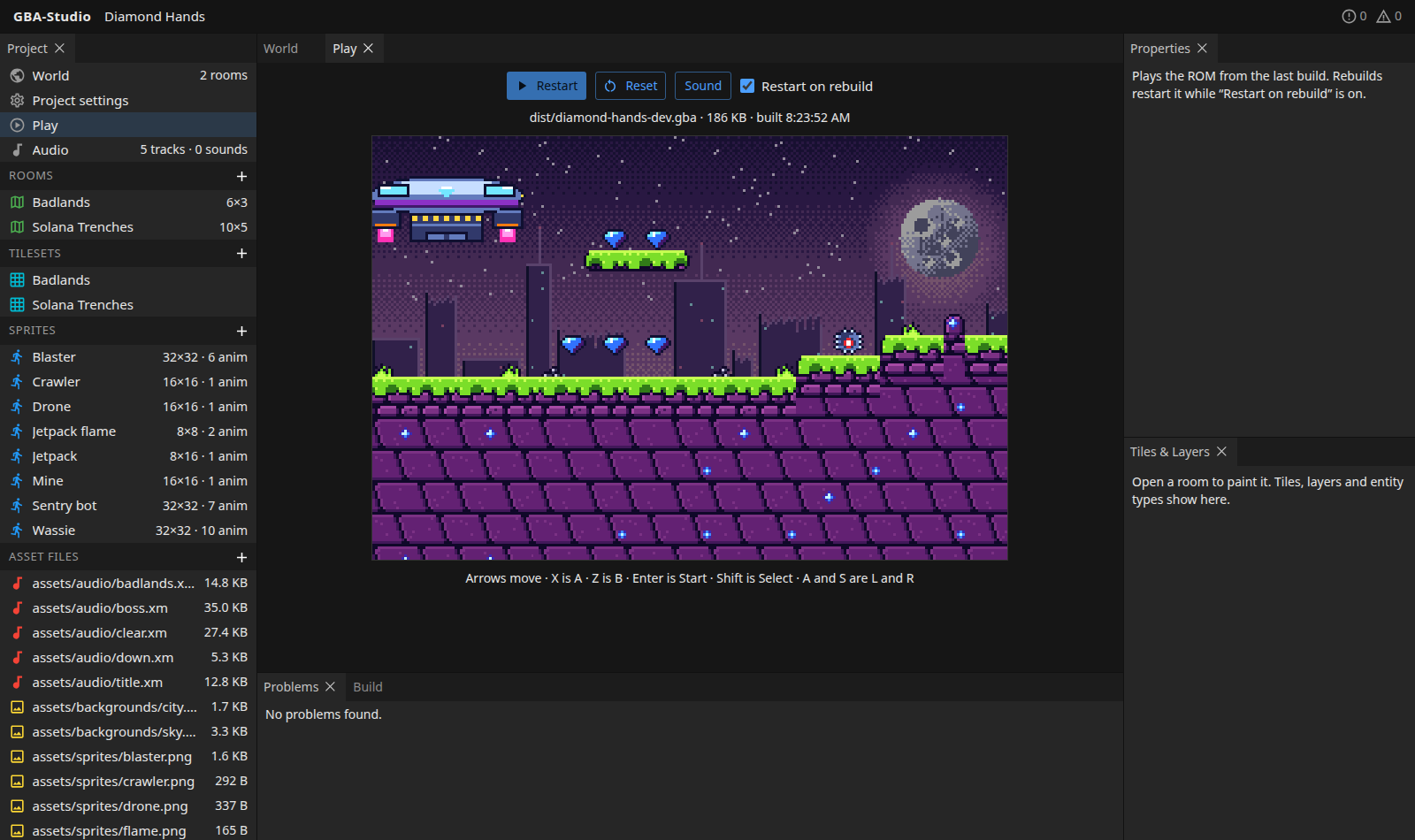
| Control | What it does |
|---|---|
| Play / Restart | Load and run the ROM. |
| Reset | Restart the game. |
| Sound | Turn sound on. Browsers require a click first. |
| Restart on rebuild | Restart by itself when the ROM is rebuilt. |
The panel names the ROM, its size and when it was built. On touch devices, on-screen buttons appear.
Keyboard
| Key | GBA button |
|---|---|
| Arrows | D-pad |
X | A |
Z | B |
Enter | Start |
Shift | Select |
A / S | L / R |
TIP
Only one ROM runs at a time. If both dev and release ROMs exist, the panel lets you choose between them.